Every conversion, on the same frame · $7
Twelve black-and-white conversions for Final Cut Pro
Pulling saturation to zero gives you one black-and-white image and no say in it. A darkroom printer had a say: a red filter darkens a blue sky, a green filter lifts foliage, an orange filter flatters skin. Each file below is a documented channel weighting, applied to the same photograph.
.cube file through a trilinear
interpolation of its 3D lattice — the same operation the editor performs.
The case a saturation slider cannot handle
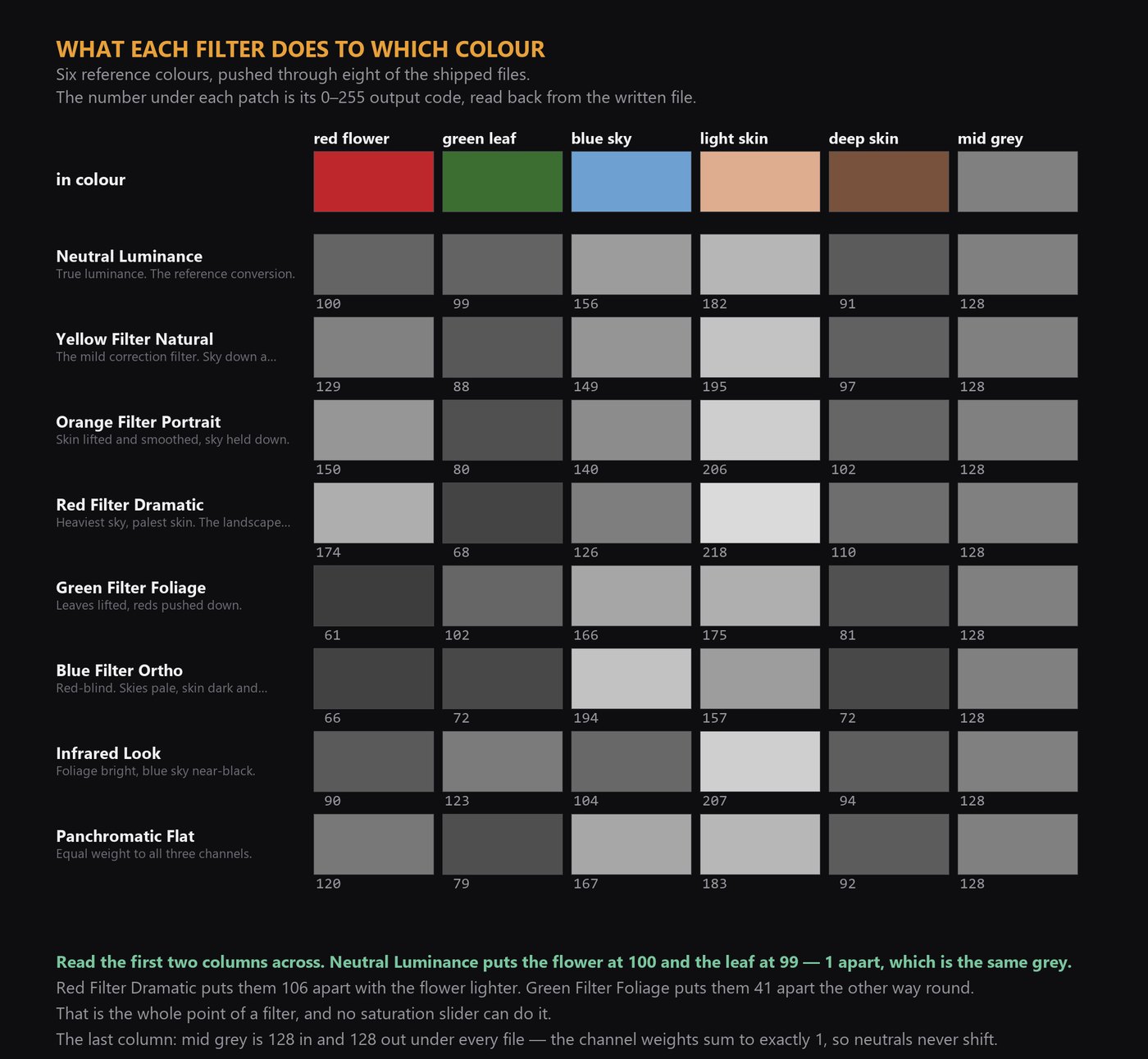
A red flower against a green leaf. Converted by luminance alone, both land on the same grey and the picture dies. A filter is a weighted mix of all three channels at once, so it can separate them — and which filter decides which way round. The numbers are 0–255 output codes read back out of the shipped files.
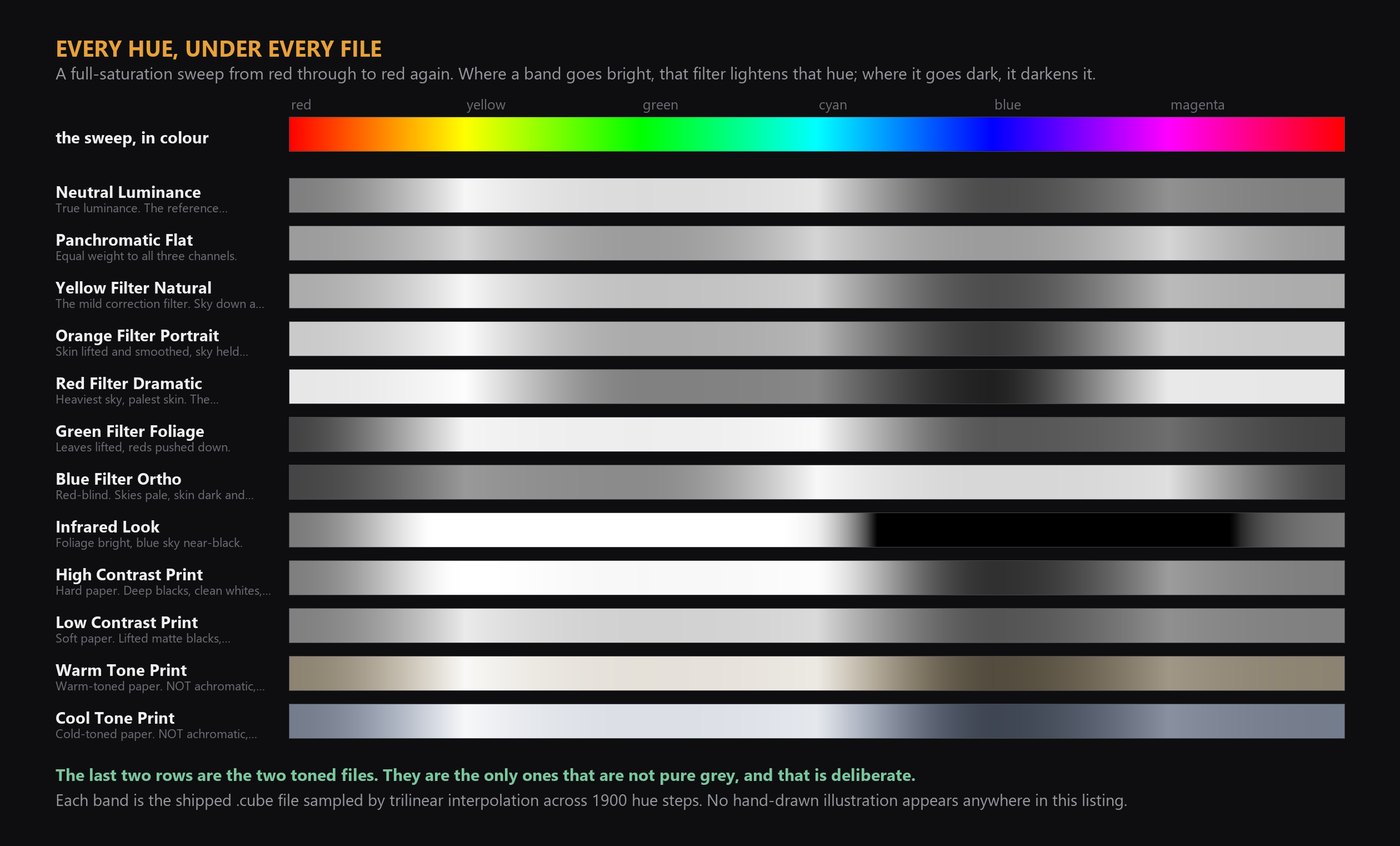
Every hue, under every file
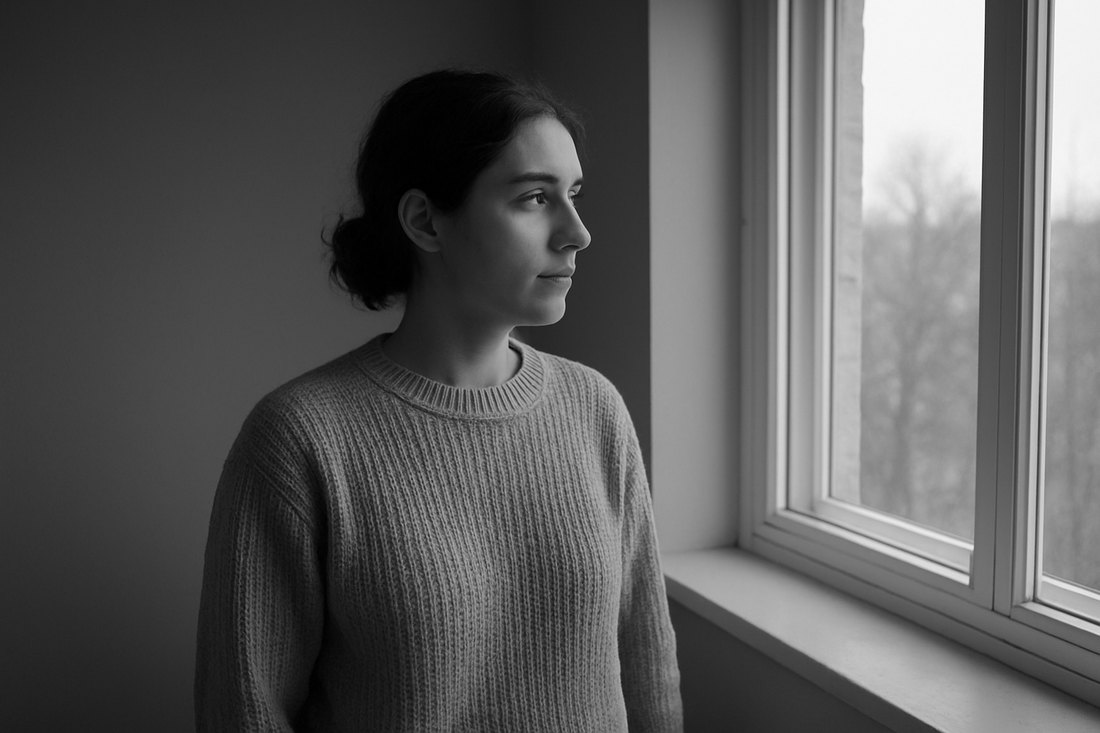
All twelve, on one frame
Neutral Luminance
Rec.709 relative luminance weights, mixed in linear light and nothing else done to it. Each colour becomes the grey of the same brightness. Start here, then reach for a filter when two colours collapse onto the same grey.
Panchromatic Flat
Every channel counted the same, which is the simplest model of an emulsion sensitive right across the visible spectrum. Reds and blues come out lighter than true luminance renders them, greens darker.
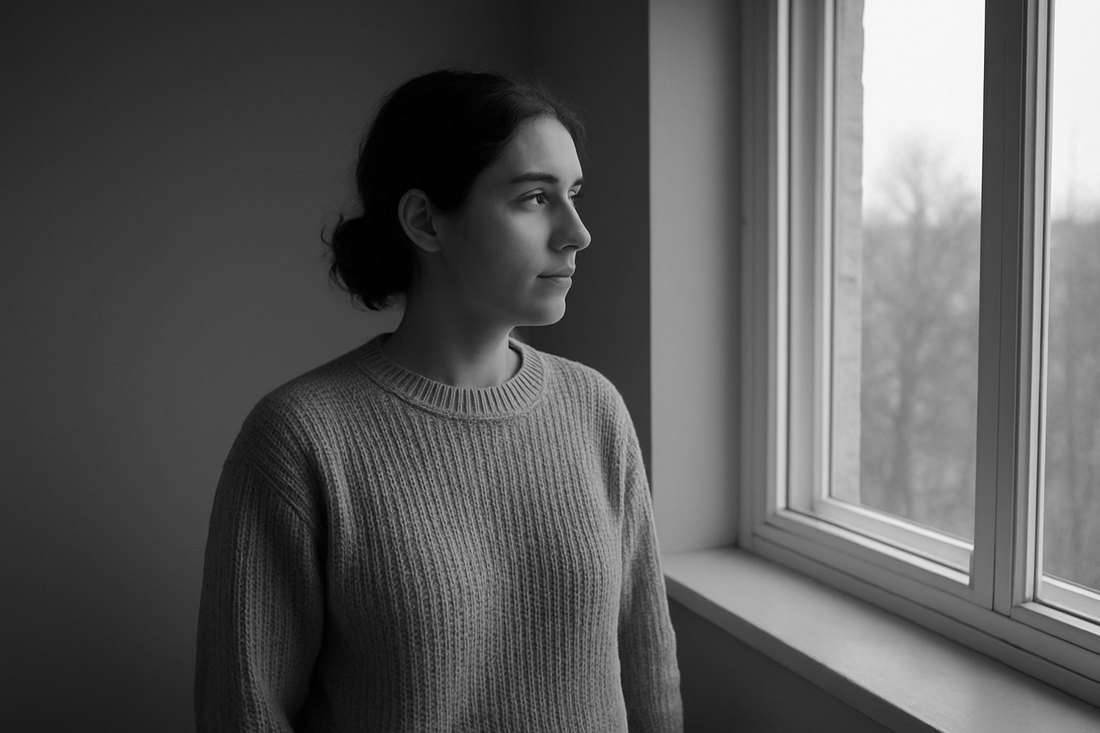
Yellow Filter Natural
The gentlest of the contrast filters and the one most often left on the lens all day. Blue is cut back, so skies gain some tone and clouds separate, while skin and foliage stay close to where luminance puts them.
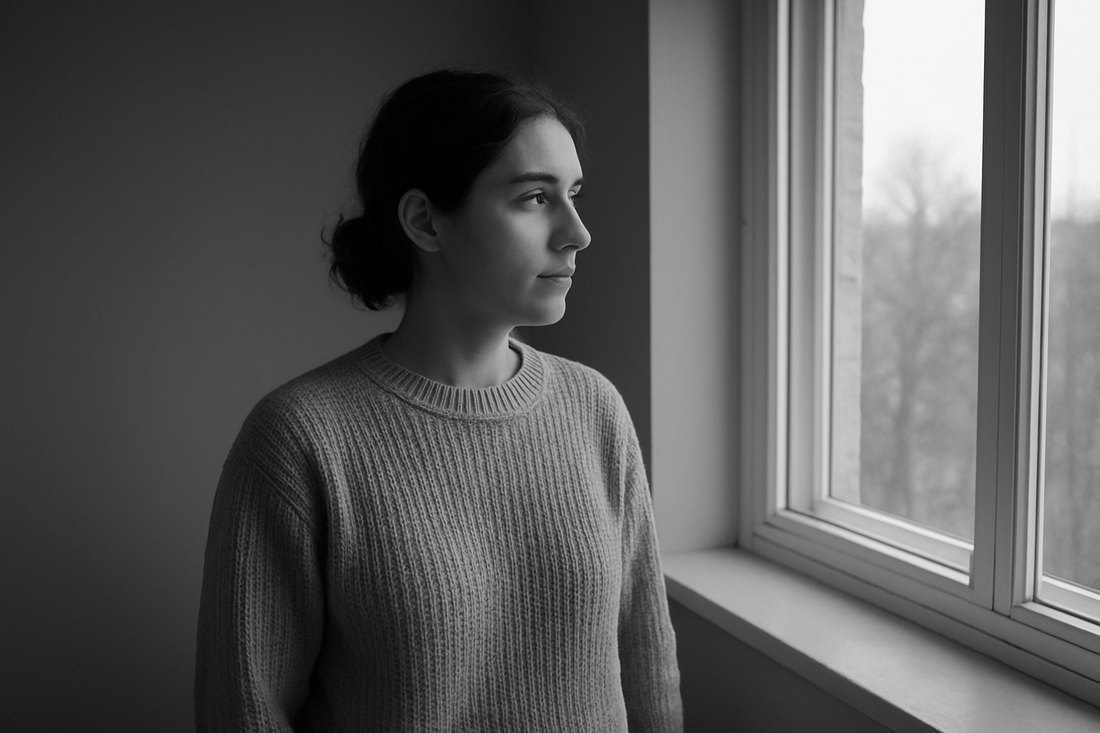
Orange Filter Portrait
Between yellow and red. Red-toned skin detail - blemishes, broken capillaries, uneven colour - is lightened toward the surrounding tone instead of being drawn as texture, and the sky darkens more than yellow takes it.
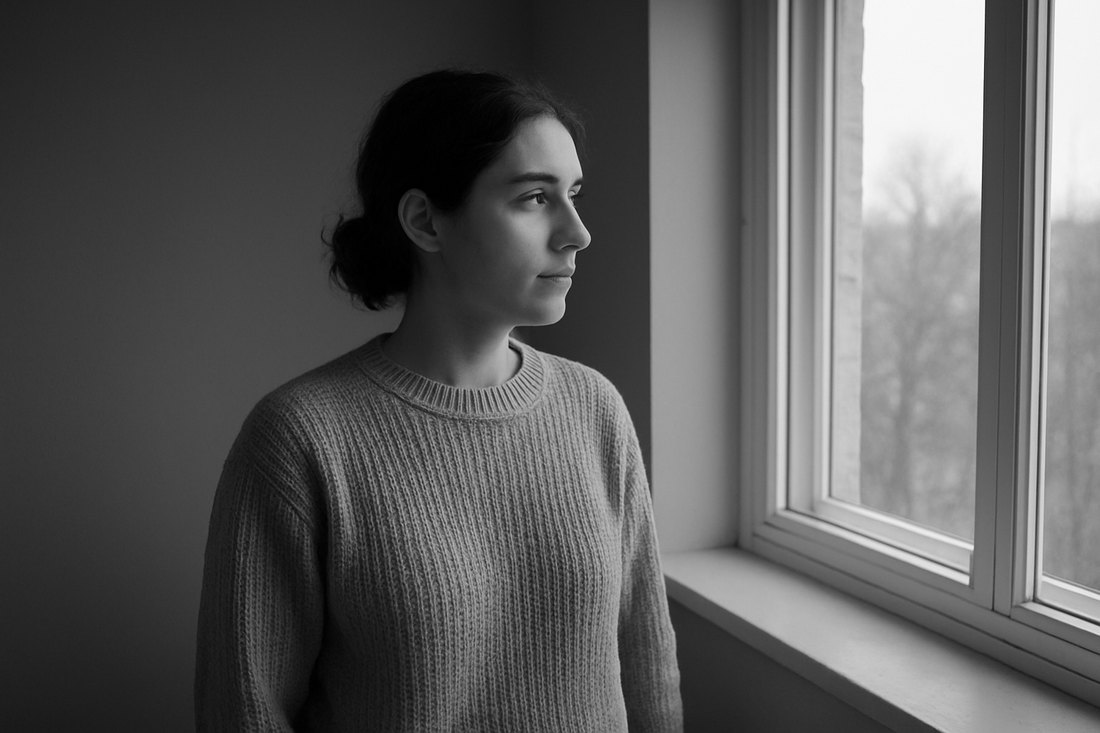
Red Filter Dramatic
Blue is almost entirely removed, so a blue sky falls away and anything red jumps forward. The strongest of the classic filters and the easiest to overdo: skin goes very pale and green foliage goes very dark.
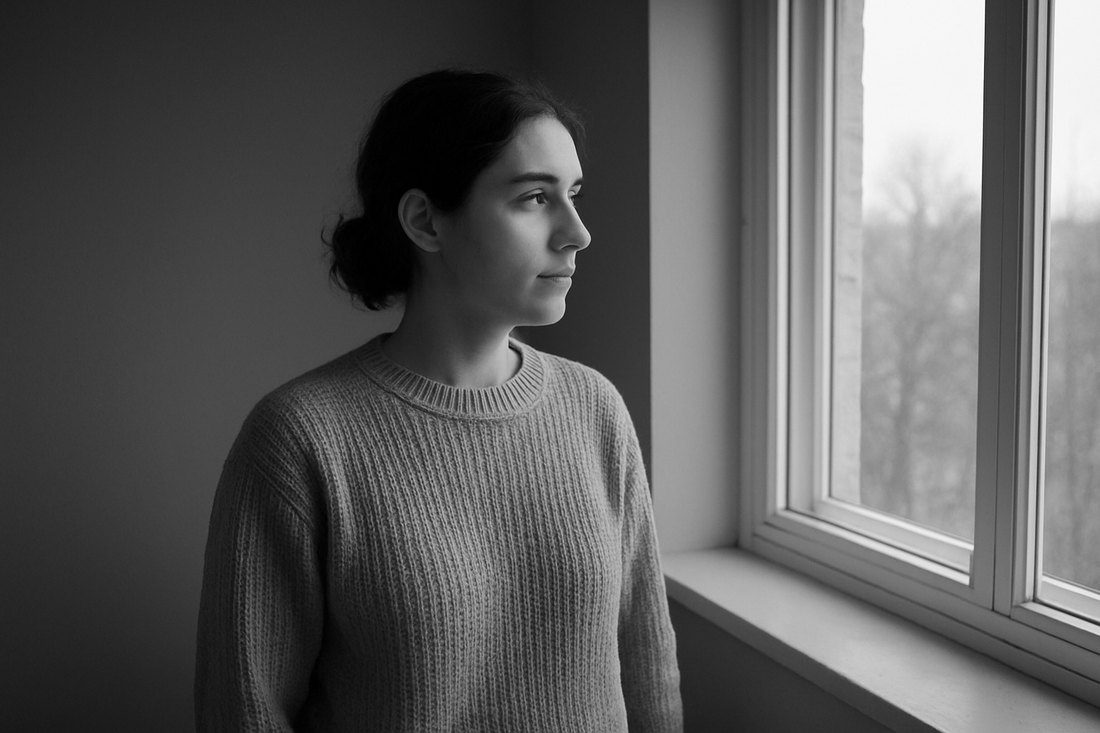
Green Filter Foliage
The opposite instrument to the red filter. Foliage separates from everything around it and red subjects go dark. On faces it does the reverse of orange: it draws skin texture rather than smoothing it, which is sometimes exactly what a portrait wants.
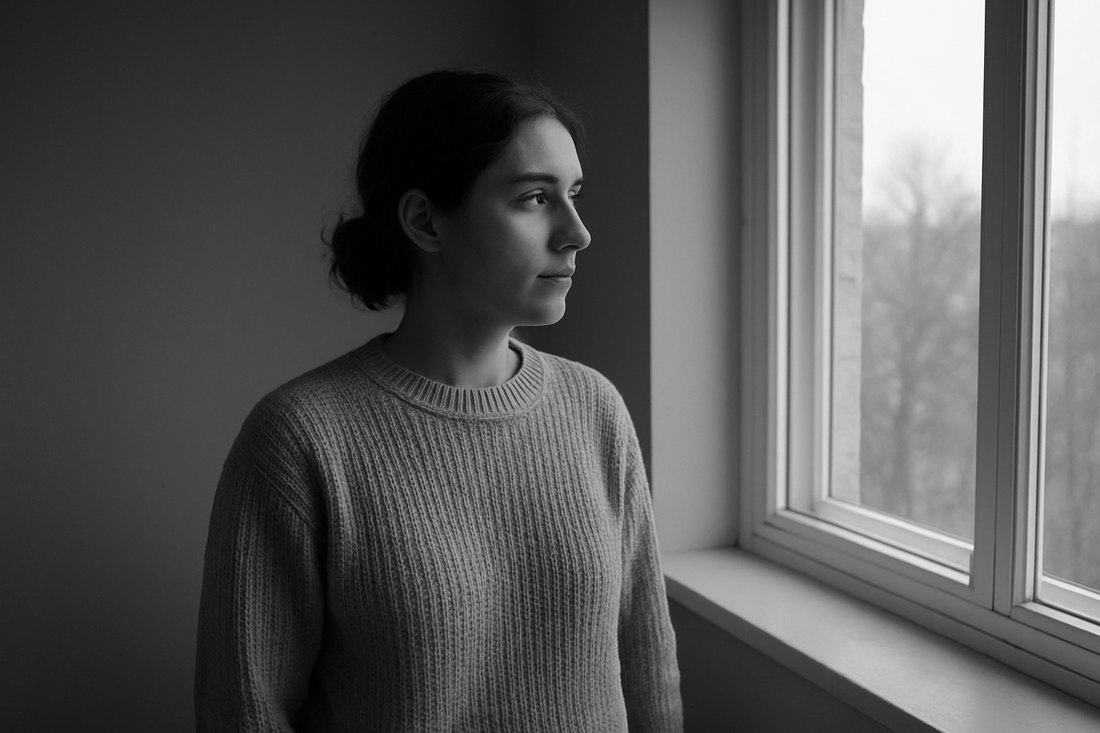
Blue Filter Ortho
Early photographic emulsions were insensitive to red light, which is why portraits from that era show dark lips and heavy skin texture and why their skies are blank white paper. This weighting reproduces that tonal signature by starving the red channel.
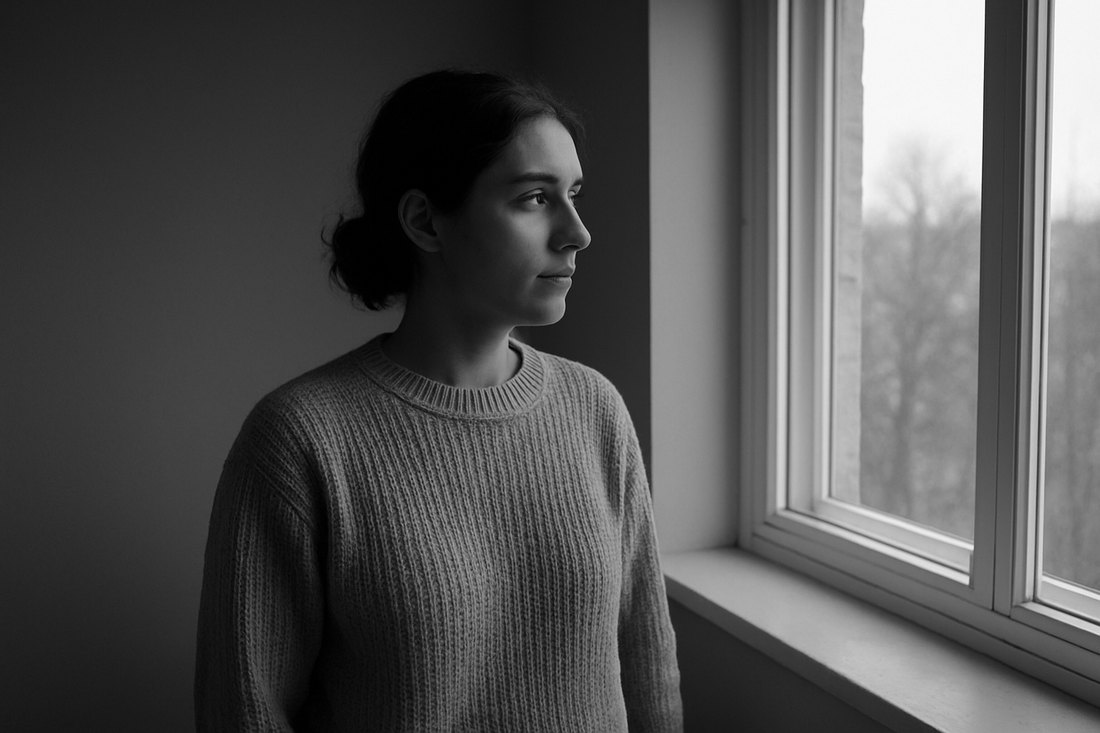
Infrared Look
An approximation of the TONAL signature of infrared film: foliage renders very bright, blue sky renders dark. This is the only look in the pack with a NEGATIVE channel weight - blue is subtracted rather than added, which is the only way a lookup table can push a blue sky down while lifting green. The three weights still sum to exactly 1, so neutral greys pass through untouched. It cannot reproduce the halation glow around highlights that real infrared film shows: that is a spatial effect, and a lookup table has no neighbouring pixels to work with.
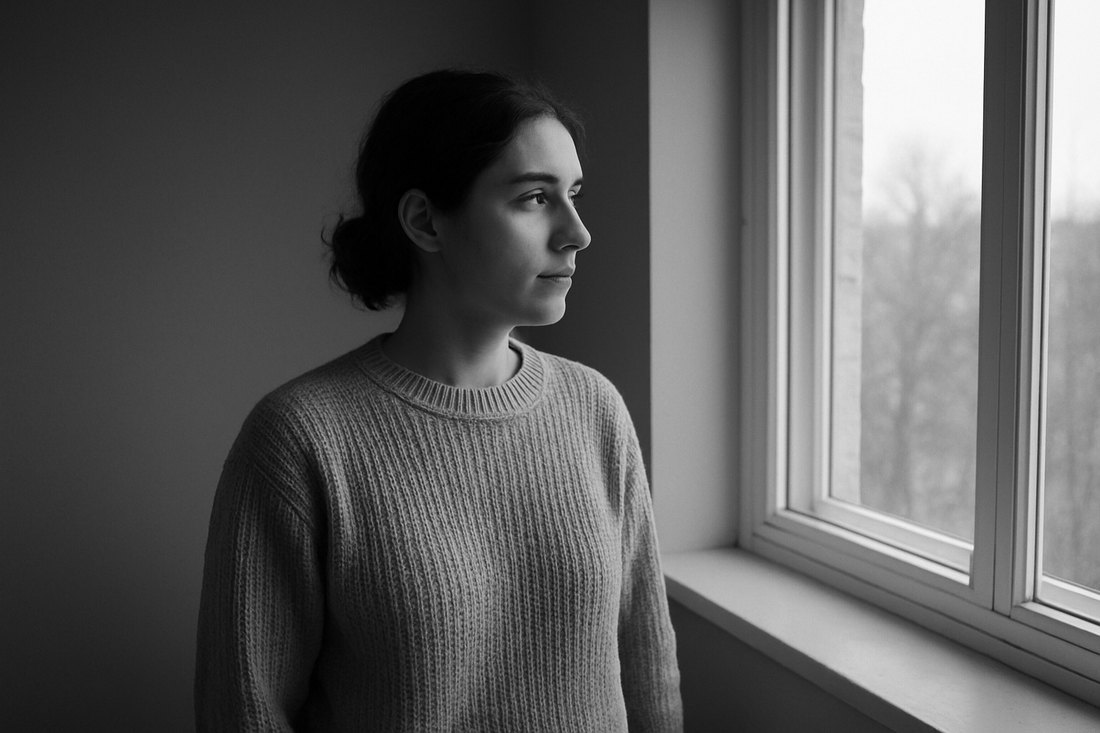
High Contrast Print
Luminance conversion driven through a strong S-curve, the way a hard grade of printing paper behaves. Good for graphic, high-key subjects and for rescuing flat footage; punishing on anything that needs shadow detail.
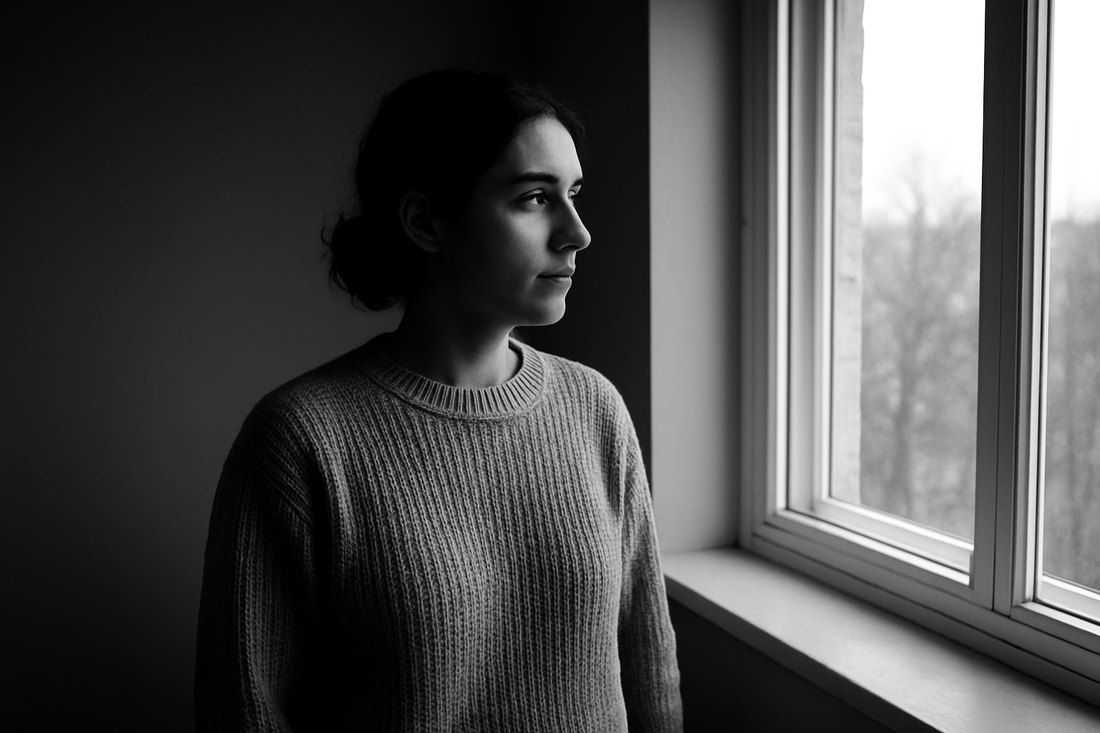
Low Contrast Print
The soft grade: the black point is raised and the white point pulled down, so the whole image sits inside a narrower band. Reads as an old print behind glass. Deliberately refuses to make a true black.
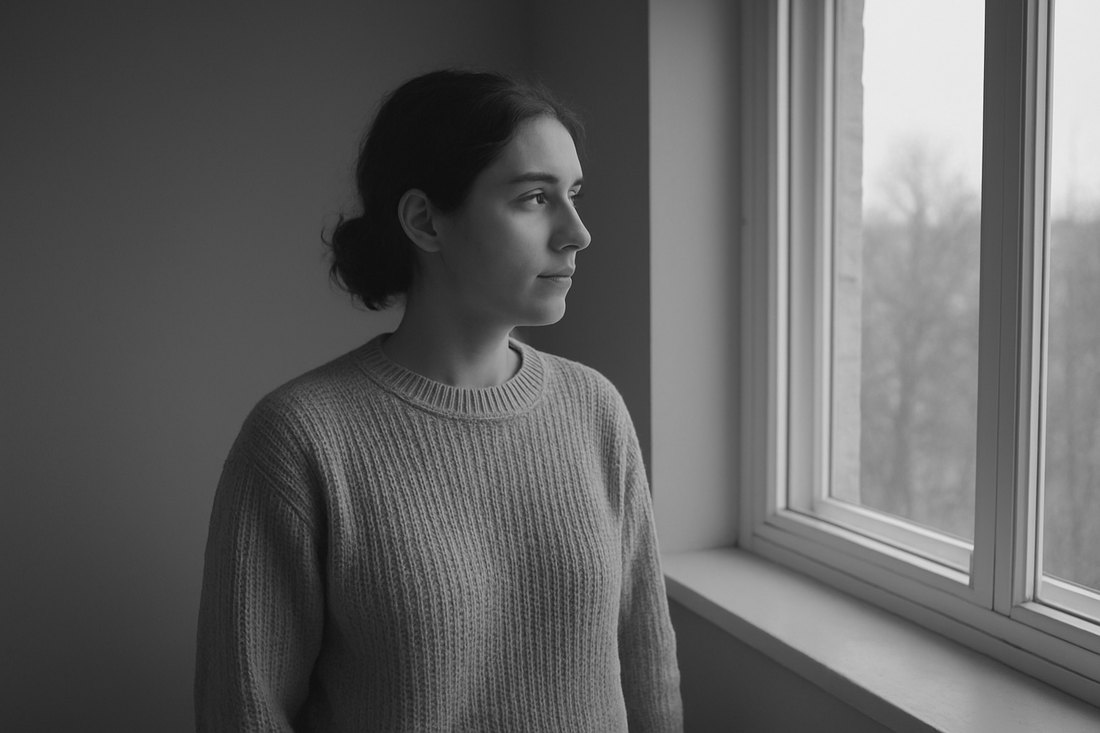
Warm Tone Print
A neutral conversion carrying a warm brown tone through the midtones. The tone is scaled by a bell curve that reaches zero at both ends, so pure black and pure white stay neutral and only the middle of the scale takes the colour. Warm Tone and Cool Tone are the only two files here that are not pure grey, and that is the point of them.
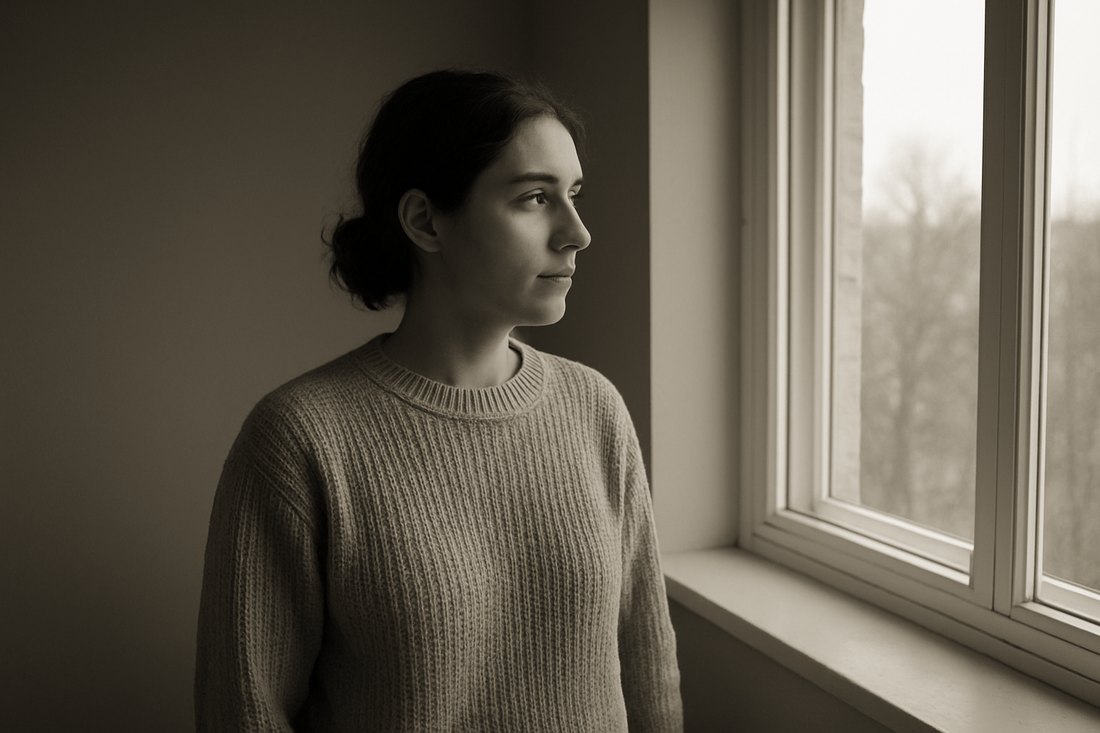
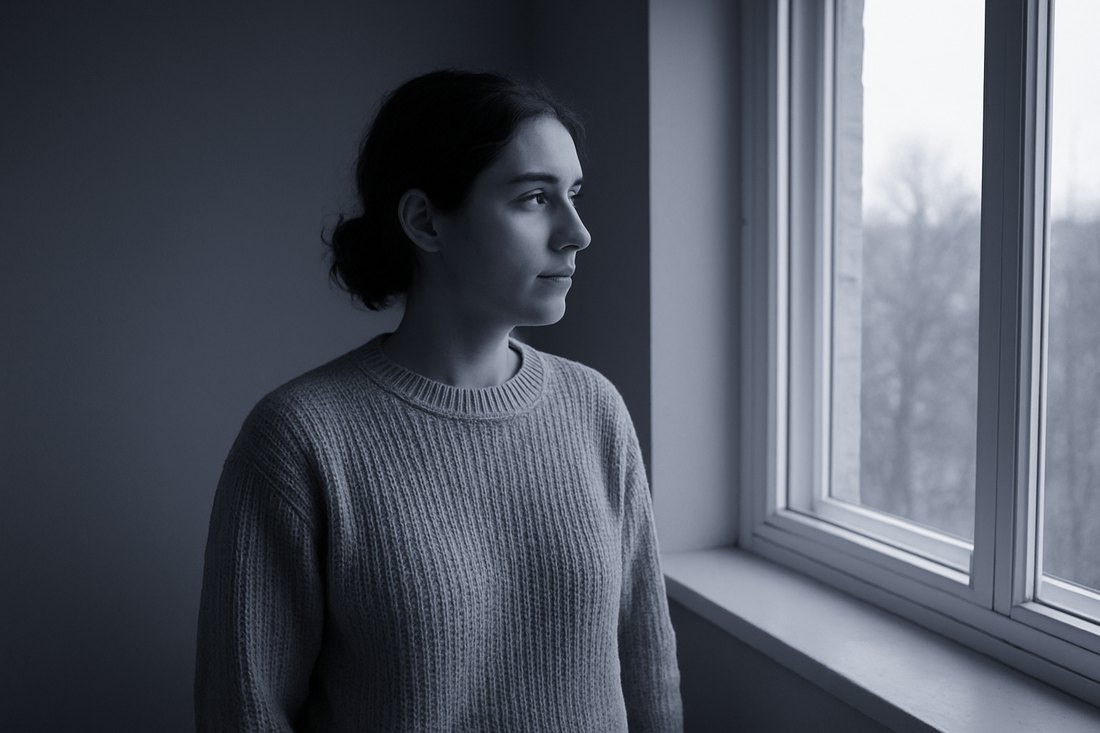
Cool Tone Print
The same construction as the warm tone, pushed the other way: a blue-grey cast through the midtones, black and white left neutral. Suits architecture, winter and anything that should feel unwelcoming.
What was checked before this shipped
- 35,937 entries in each file — 33×33×33, the size the Adobe Cube spec requires. 431,244 across the pack, 1,293,732 individual floats examined.
- Every value inside 0–1, every value finite, every file monotonic along the tone axis.
- 10 of the 12 are achromatic at every single entry — R, G and B identical to the last written digit. Trilinear interpolation is a convex combination of lattice values, so they stay neutral between lattice points too, which is where a renderer actually samples.
- The 2 toned files are deliberately not achromatic, their cast stays inside a stated ceiling, and pure black and pure white are still exactly neutral in both.
- Mid grey is 128 in and 128 out under every file, because every weight set sums to exactly 1.0.
- The filter claims themselves were asserted, as orderings between measured patch codes: blue sky 156 neutral → 149 yellow → 140 orange → 126 red; light skin 182 neutral → 206 orange → 218 red, and 157 under the ortho look.
- 177 assertions, all passing, re-parsed from the written ASCII rather than taken from the generator's memory.
What they will not do
- These have never been opened in Final Cut Pro. There is no Mac and no copy of Final Cut Pro on the machine they were built on. The claims rest on the published Adobe Cube format and on 177 assertions against the files, not on a screenshot of the host application.
- Not film emulations, and no film stock is named anywhere in the pack. That is on purpose: an emulation claim cannot be verified without the film, a densitometer and a lab. These reproduce the documented direction of each classic contrast filter, which is a claim that can be checked, and was.
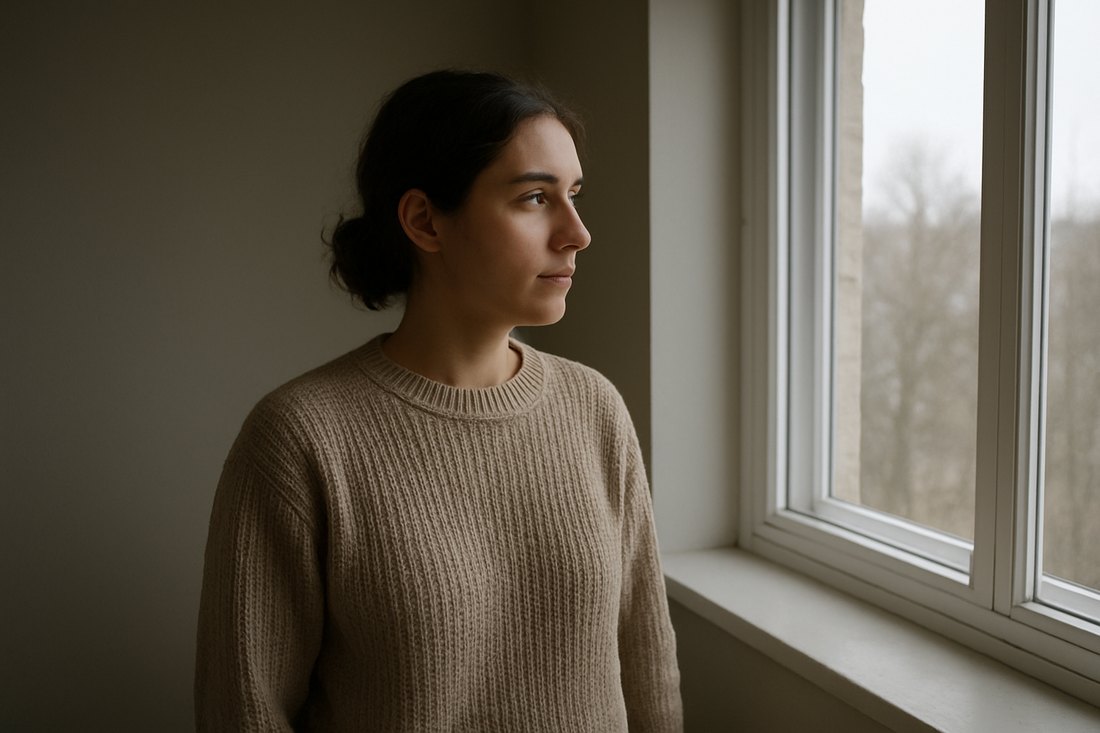
- The frame is AI-generated, and the person in it is not real. It was made
once as a deliberately flat, neutral test frame. It is not part of the download —
what you buy is 12
.cubefiles. - A conversion is not a repair. It cannot fix exposure, white balance or focus. Correct the shot first.
- Log footage needs converting first. Apply your camera's own log-to-Rec.709 conversion, then one of these on top.
- On the file format, plainly:
.cubeis the standard interchange format for 3D LUTs and is what LUT packs for Final Cut Pro ship as. Apple's public documentation describes importing a "3DLUT file" and does not publish a list of accepted extensions, so that claim rests on the format's ubiquity rather than on a line in Apple's manual. - Twelve files, not a hundred. A small deliberate set. No support — one-time download, sold as-is.
Get it
Twelve Black-and-White Conversions for Final Cut Pro — $7
12 .cube files.
No plugin, no installer, no account. Also works in Premiere, DaVinci Resolve and
Affinity.