Every grade, on the same frame · $6
Six colour grades for Final Cut Pro
Six .cube lookup tables you drop onto a clip as a Custom LUT
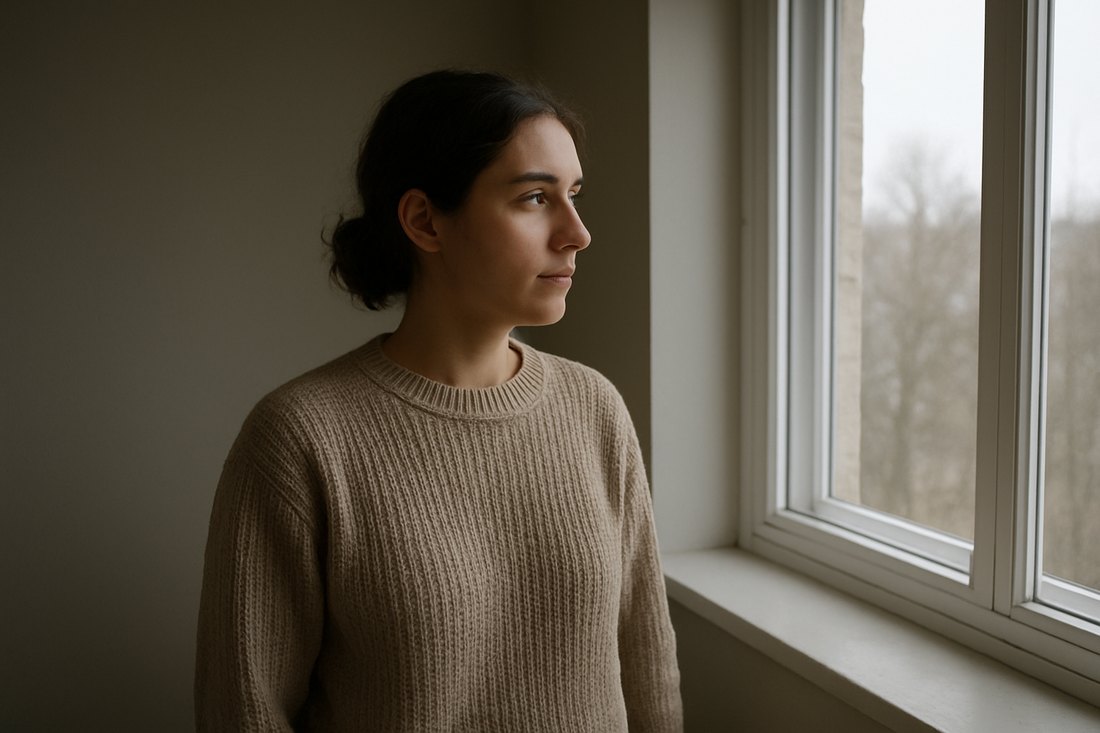
effect. Each one below is the shipped file applied to the same ungraded photograph —
not a mock-up, and not a different picture chosen to flatter it.
.cube file through a trilinear
interpolation of its 3D lattice — the same operation Final Cut Pro performs.
The six grades
Teal and Orange
Shadows pushed toward teal, highlights warmed, moderate S-curve. The look most trailers reach for. Note it stays off the skin: faces warm slightly, they do not turn orange.
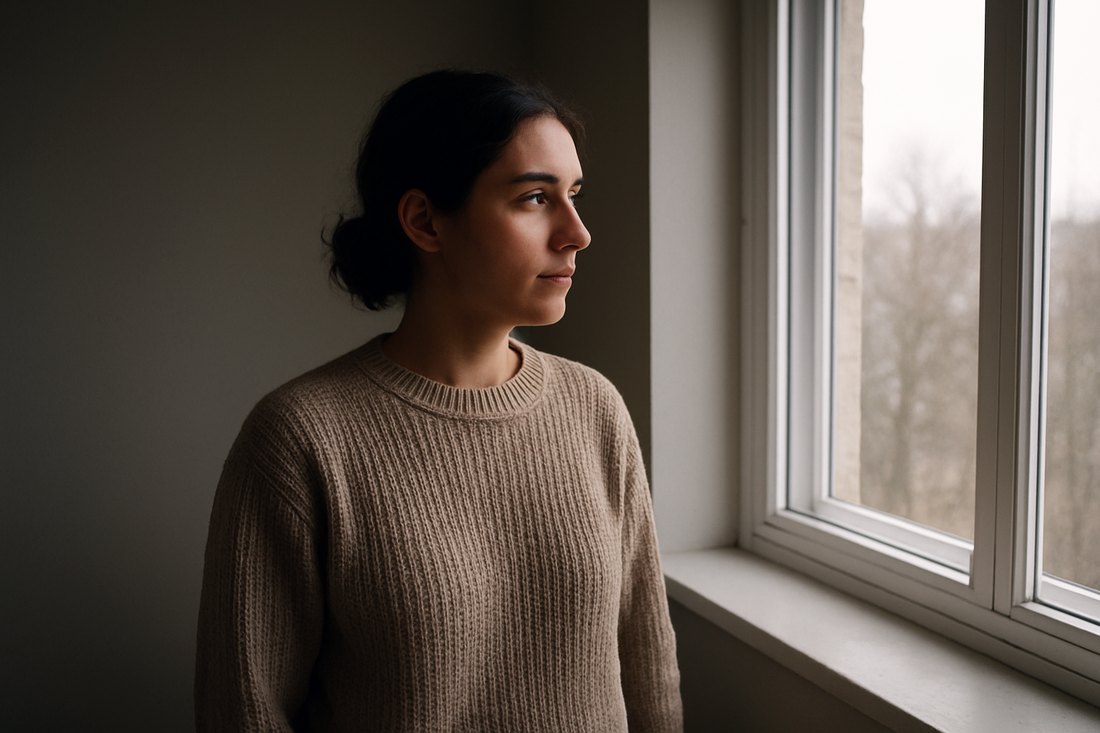
Bleach Bypass
Silver-retention: strong contrast with 62% of saturation removed. Harsh on purpose. Good for tension, bad for anything that needs to look pleasant.
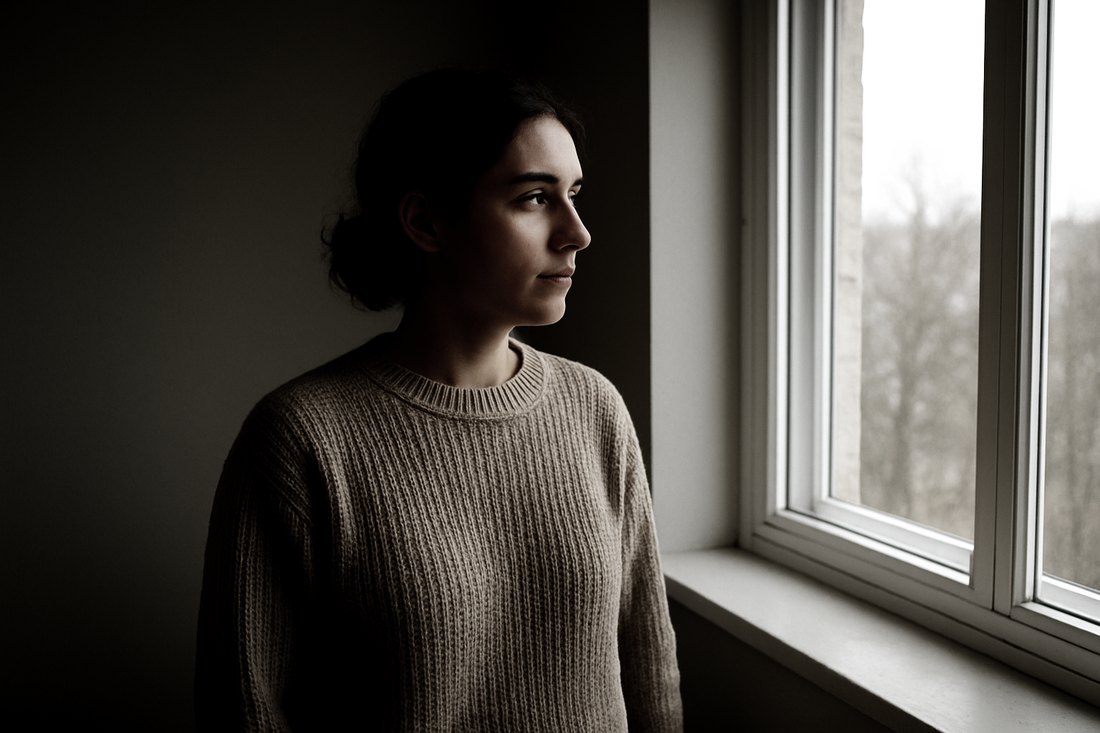
Warm Document
Gentle warmth for interviews and talking heads. The blacks are deliberately left uncrushed — documentary footage usually wants detail in the shadows more than it wants contrast.
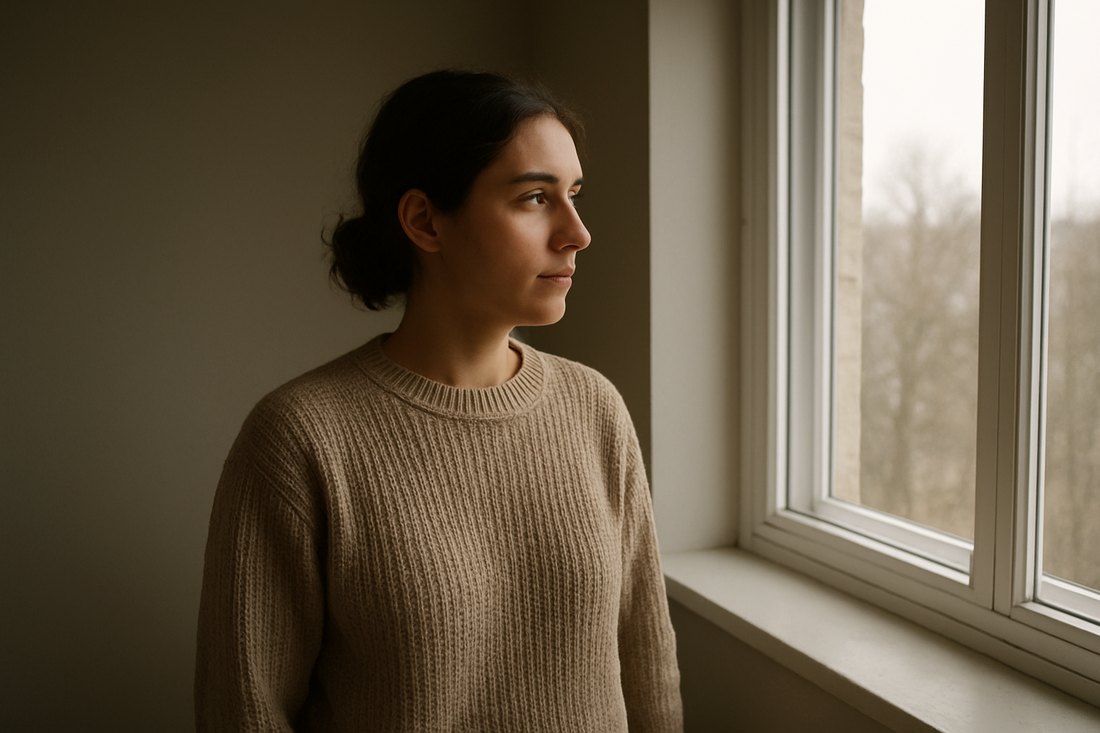
Cool Night
Day-for-night. Luminance down, blue up, and the face kept readable, which is the part most night grades get wrong.
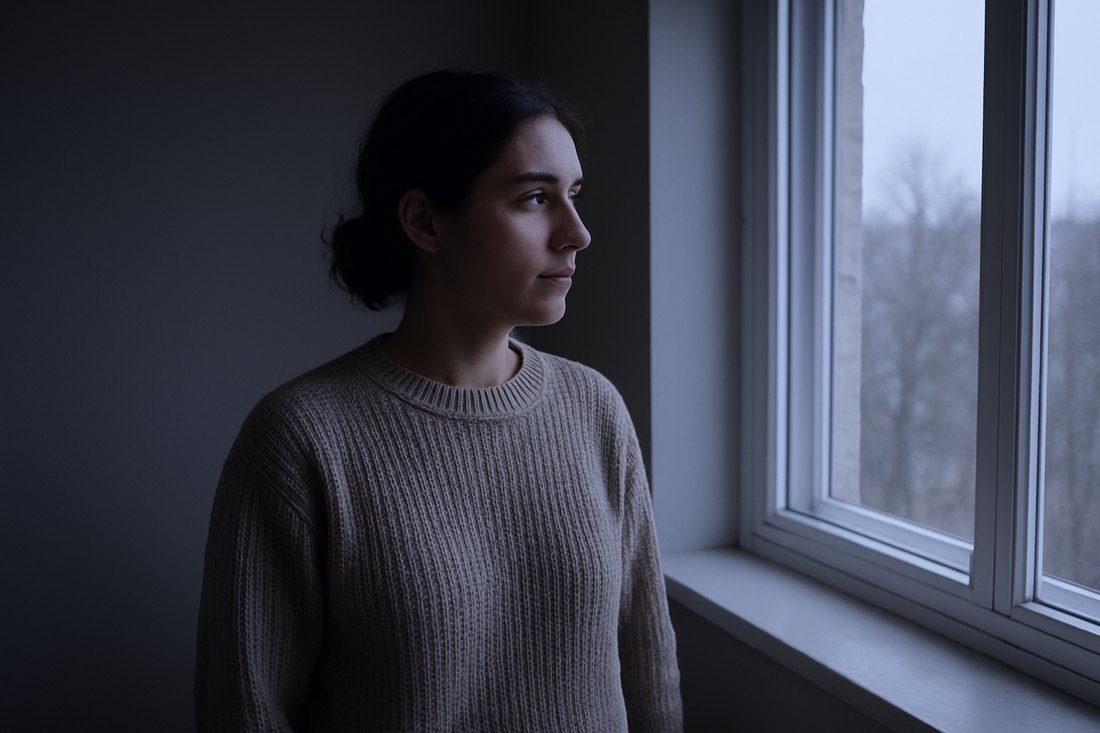
Faded Film
Lifted matte blacks and mild desaturation, like a print that has been fogged. The black point never reaches zero, by design.
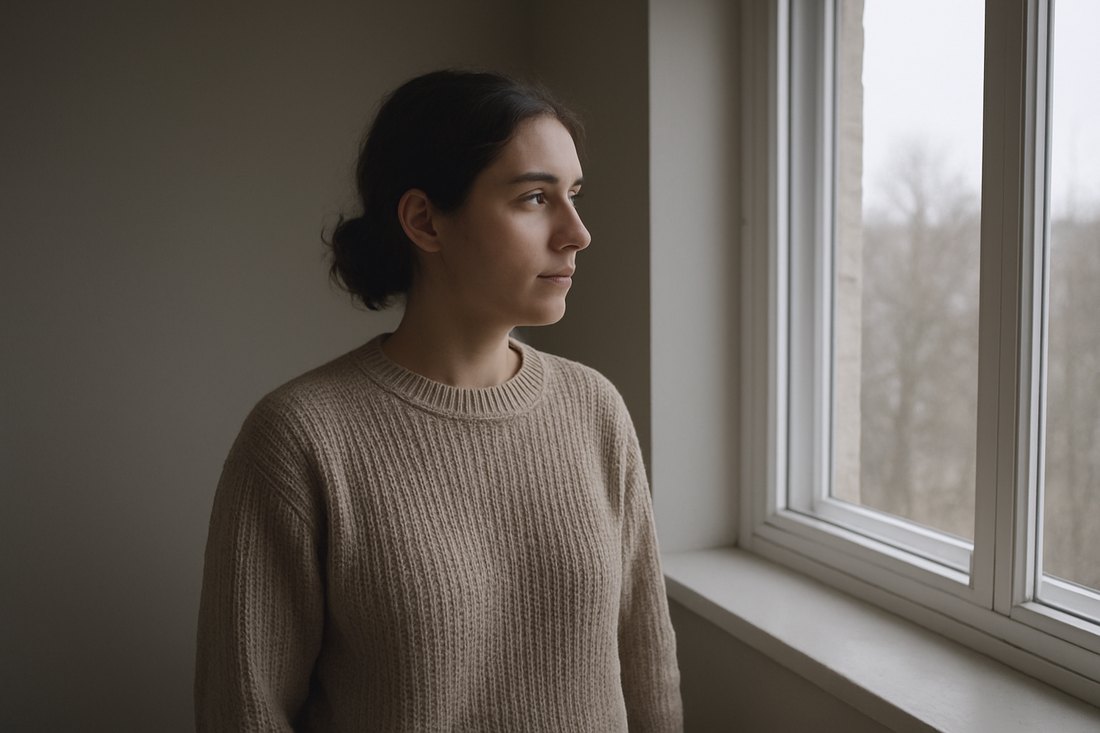
High Key Clean
Bright and deliberately flat, for product and explainer video where the subject matters more than the mood. This one removes contrast rather than adding it.
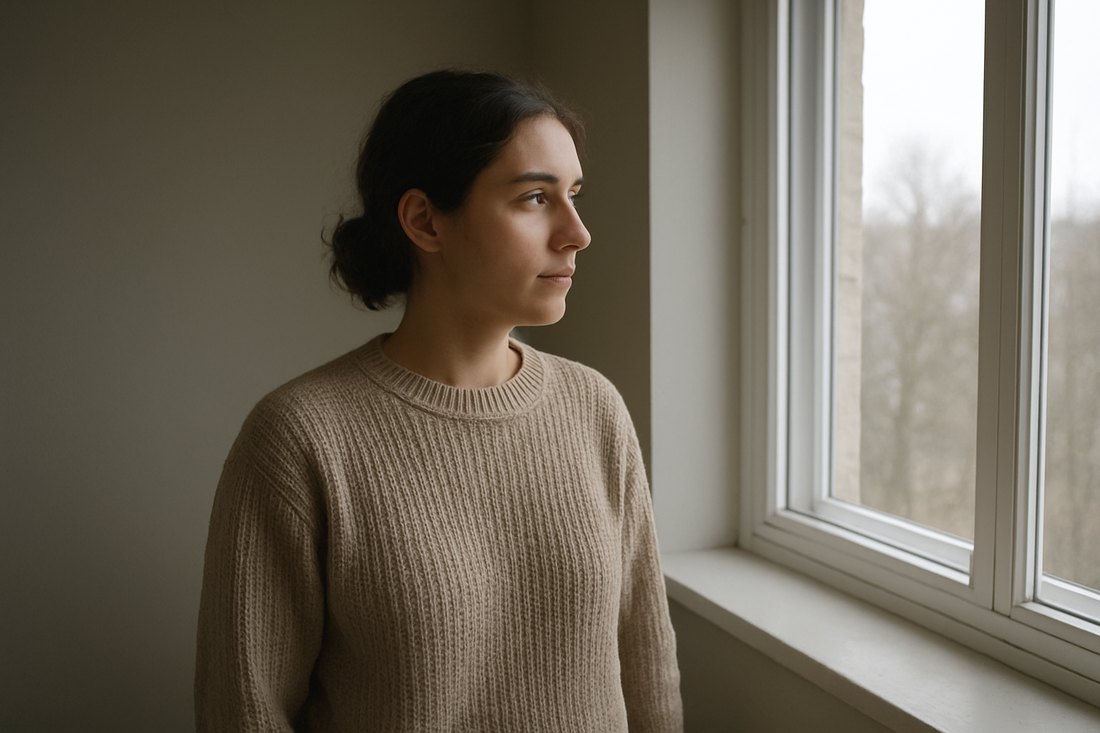
How they install
Apple's own workflow, from the Final Cut Pro user guide:
- Select the clip. In the Video inspector set Camera LUT to None.
- Add the Custom LUT effect from the Effects browser.
- Open the effect's LUT menu and choose Choose Custom LUT…
- Navigate to the
.cubefile, select it, click Open. - Use Mix to dial the strength back if it is too strong.
What was checked
- Exactly 35,937 entries in each file — 33×33×33, the size the Adobe Cube spec requires.
- Every value inside 0–1. Out-of-range entries clip unpredictably; there are none.
- Every grade monotonic along the tone axis. A LUT that inverts tone is broken. None of these do.
- Each look is a documented formula — lift/gamma/gain per channel, an S-curve pinned at both ends so contrast never clips, and Rec.709 luma weighting for desaturation, which is the weighting Final Cut Pro's own colour pipeline uses.
What they will not do
- The frame is AI-generated, and the person in it is not real. It was made
once as a deliberately flat, neutral test frame, because a grade can only be judged
against ungraded footage. It is not part of the download — what you buy is six
.cubefiles. - A LUT is a grade, not a repair. It cannot fix exposure, white balance or focus. On badly exposed footage every one of these looks worse than no LUT at all.
- Log footage needs converting first. Apply your camera's own log-to-Rec.709 conversion, then one of these on top.
- Not tested against every camera profile. Validated mathematically, not by grading footage from a hundred cameras. That is what Mix is for.
- On the file format, plainly:
.cubeis the standard interchange format for 3D LUTs and is what LUT packs for Final Cut Pro ship as. Apple's public documentation describes importing a "3DLUT file" and does not publish a list of accepted extensions, so that claim rests on the format's ubiquity rather than on a line in Apple's manual. - Six looks, not sixty. A small deliberate set. No support — one-time download, sold as-is.
Get it
Six Colour Grades for Final Cut Pro — $6
Six .cube files.
No plugin, no installer, no account. Also works in Premiere, DaVinci Resolve and
Affinity.